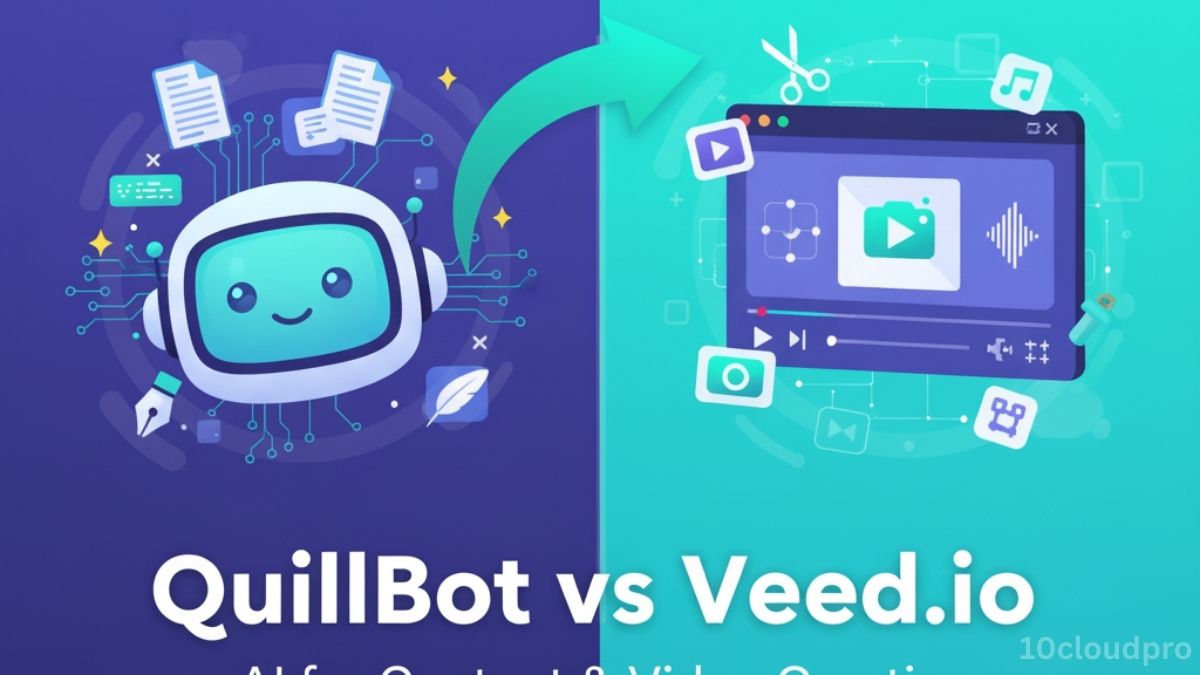
QuillBot vs Veed.io: a clear, side-by-side comparison of features, pricing, and use cases.
Learn which AI suits SEO writing or video editing and when to pair both for a fast text-to-video workflow.
Introduction
AI has revolutionized both writing and video editing. QuillBot helps writers and marketers rephrase, summarize, and refine text using NLP and GPT-style LLMs, while Veed.io empowers creators with AI-powered video editing and subtitles.
If you’re a SaaS founder, affiliate marketer, or content creator, the challenge is knowing:
- Should you invest in QuillBot for faster, plagiarism-free writing?
- Or use Veed.io for editing professional-quality videos at scale?
Let’s compare QuillBot vs Veed.io across features, pricing, usability, and AI models.
What you will learn here:
- Quick snapshot: core purpose, best-fit users, pricing ranges.
- QuillBot deep dive: paraphrasing modes, grammar/plagiarism checks, summarizer, citations, Docs/Word/Chrome add-ons.
- Veed.io deep dive: drag-and-drop editor, auto-subtitles/translation, TTS, screen recorder, brand kit, social publishing.
- AI models: QuillBot (NLP + GPT-style LLMs) vs Veed.io (speech recognition/NLP + video models).
- Usability: instant text edits vs visual timeline editor; learning curve notes.
- Feature matchups: collaboration, integrations, support, scalability.
- Pros & cons for each, including watermark/precision and collaboration/originality trade-offs.
- Real-world use cases: SEO/blogging/academia vs YouTube/social ads/online courses.
- Decision guide + when to combine (script in QuillBot, edit/caption in Veed.io).
Quick Comparison Table
| Feature | QuillBot | Veed.io |
| Core Purpose | AI writing & paraphrasing | AI video editing & subtitles |
| Best For | Writers, students, SEO marketers | Video creators, trainers, marketers |
| Pricing | Free + $19.95/mo Premium | Free + $18–$59/mo Pro |
| AI Models | NLP + GPT-powered LLMs | AI transcription, NLP + video models |
| Integrations | Word, Docs, Chrome | Zoom, YouTube, social platforms |
| Usability | Instant text edits | Intuitive, drag-and-drop editing |
QuillBot Overview
Expanded Features
- Paraphraser with 7+ modes (fluency, formal, creative, expand, shorten).
- Grammar & plagiarism checker.
- Summarizer for long-form content.
- Citation generator for academic use.
Benefits
- Saves 30–40% writing/editing time.
- Ensures SEO originality for blogs & articles.
- Affordable solution for students & professionals.
Integrations
- Google Docs add-on.
- MS Word extension.
- Chrome browser extension.
Usability
- Simple: paste text → choose mode → refine instantly.
- Very little learning curve.
Pricing
- Free plan with limited modes.
- Premium: $19.95/month or $99.95/year.
AI Models
- Powered by Natural Language Processing (NLP).
- Enhanced with GPT-style Large Language Models (LLMs).
Veed.io Overview
Expanded Features
- AI-powered video editing with drag-and-drop interface.
- Automatic subtitles & translations in 100+ languages.
- AI background remover & screen recorder.
- Text-to-speech & transcription tools.
- Brand kit & templates for professional videos.
Benefits
- Cuts video editing time by 50–70%.
- Improves accessibility with instant subtitles.
- Helps brands scale social media & marketing video production.
Integrations
- Direct publishing to YouTube, TikTok, Instagram.
- Compatible with Zoom recordings and online conferencing.
Usability
- Beginner-friendly drag-and-drop editor.
- Some advanced features may require a learning curve.
Pricing
- Free plan with watermark.
- Pro: $18–$59/month (depending on tier).
- Business & Enterprise plans for teams.
AI Models
- Uses speech recognition + NLP models for transcription.
- AI video generation & enhancement models for editing.
Feature-by-Feature Comparison
| Category | QuillBot | Veed.io |
| Core Purpose | Text rewriting & summarization | AI video editing & subtitles |
| Collaboration | Limited | Strong team support |
| Integrations | Word, Docs, Chrome | YouTube, Zoom, TikTok |
| AI Models | NLP + GPT LLMs | NLP + AI video models |
| Usability | Simple, instant | Easy drag-and-drop |
| Pricing | $19.95/month | $18–$59/month |
| Support | Docs, email | Email, live chat, tutorials |
| Scalability | Ideal for individuals | Ideal for content teams |
Pros & Cons
QuillBot
| Pros | Cons |
| Affordable with free plan | Limited to text workflows |
| Strong integrations (Docs, Word) | Premium needed for plagiarism checker |
| Multiple writing modes | No video or audio features |
| Fast, simple interface | Limited collaboration |
| NLP + GPT-style LLMs | Overuse may affect originality |
Veed.io
| Pros | Cons |
| AI subtitles & transcription | Free version adds watermark |
| Drag-and-drop editing | Pro plan required for advanced features |
| Multi-language video support | Some tools less precise |
| Great for social media content | Heavy export files for large projects |
| Strong SaaS integrations | Expensive for enterprise users |
Use Case Scenarios
- QuillBot:
- SEO agencies rewriting articles.
- Students simplifying essays.
- Affiliate marketers generating A/B test copy.
- SEO agencies rewriting articles.
- Veed.io:
- YouTubers adding automatic subtitles.
- Social media marketers creating branded video ads.
- Educators producing course videos with screen recording.
- YouTubers adding automatic subtitles.
Recommendation
- Choose QuillBot if you need AI text refinement for SEO, blogging, or academic writing.
- Choose Veed.io if your work involves video editing, subtitles, and social media content.
- Combine both if you’re a multi-channel content creator: QuillBot for scripts + Veed.io for video editing.
Recap
Pick QuillBot for fast, original, SEO-ready writing; choose Veed.io for rapid video creation with subtitles and branded templates. For multi-channel content, use both: draft/refine scripts in QuillBot, then edit, caption, and publish with Veed.io.
Action plan: start on free tiers, map your workflow (script → edit → publish), run a 7-day benchmark, track time saved per asset, and scale the winner. CTA: Try both tools today and measure your output lift.
FAQ
What is the difference between QuillBot and Veed.io?
QuillBot is an AI writing/paraphrasing tool, while Veed.io is an AI video editing and subtitle tool.
Does QuillBot use GPT or LLM models?
Yes, QuillBot leverages NLP and GPT-style LLMs for paraphrasing and summarization.
Can Veed.io add subtitles automatically?
Yes, Veed.io generates subtitles and translations in over 100 languages using AI.
Is QuillBot free?
Yes, but the plagiarism checker and unlimited paraphrasing require a Premium subscription.
Which tool is better for creators?
QuillBot is best for writers & SEO professionals, while Veed.io is ideal for video creators & marketers.
Conclusion
Both QuillBot and Veed.io showcase how AI, NLP, and LLM-powered models improve productivity. QuillBot enhances text workflows, while Veed.io simplifies video production.
👉 Try QuillBot free to enhance your writing.
👉 Use Veed.io free for AI subtitles and video edits.
👉 Together, they deliver a complete text-to-video pipeline.