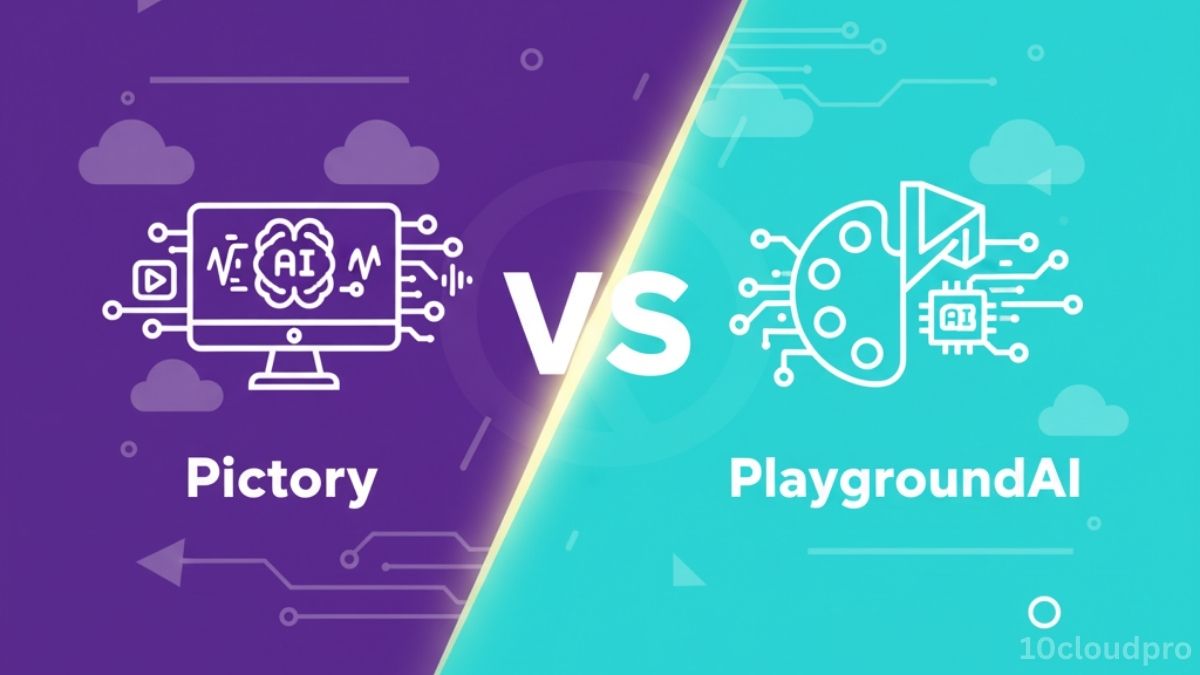
Pictory vs PlaygroundAI: one excels at script-to-video, the other at text-to-image.
Compare features, pricing, and use cases to choose or combine them for maximum ROI.
Introduction
Artificial intelligence has revolutionized the way content creators, SaaS founders, and marketers produce videos and visuals. Instead of spending days editing footage or designing graphics, AI-powered tools now allow you to generate studio-quality content in minutes.
Two platforms making big waves are Pictory and PlaygroundAI. On the surface, they may seem similar they’re both AI-driven content tools but their purposes are very different:
- Pictory specializes in AI video creation: turning scripts, blogs, or long-form text into engaging, shareable videos.
- PlaygroundAI focuses on AI image generation: producing high-quality visuals, concept art, and marketing creatives from text prompts.
If you’re a content creator, SaaS founder, or marketer, you’ve probably wondered: Which tool should I use? Or even better, can I use both?
This comprehensive guide compares Pictory vs PlaygroundAI across features, AI models, integrations, pricing, pros & cons, and use cases so you can decide which tool delivers the best ROI for your workflow.
What you will learn here:
- What each tool does: Pictory (video repurposing) vs PlaygroundAI (image generation).
- How they work: script-to-video & video summarization vs prompt-based diffusion, inpainting, styles.
- AI under the hood: LLM/NLP/TTS vs Stable Diffusion + CLIP.
- Ease of use: drag-and-drop vs prompt engineering (learning curve).
- Integrations & collaboration: stock media/YouTube/LinkedIn vs Photoshop plugin, API, creative community.
- Pricing snapshot: Pictory from $19/mo; PlaygroundAI free tier + paid.
- Pros & cons at a glance for both.
- Who it’s for: marketers, YouTubers, SaaS demos vs designers, ad creatives, e-commerce visuals.
- Practical workflows combining both for higher output and consistency.
- Final verdict: pick by priority (video or visuals) or use both for best ROI.
Quick Comparison Table
| Feature | Pictory (Video AI) | PlaygroundAI (Image AI) |
| Core Purpose | Script-to-video, AI video editing | Text-to-image generation, AI design |
| Best For | Content marketers, YouTubers, SaaS demos | Designers, social media creators, ad creatives |
| AI Models Used | NLP + LLM (GPT-powered summarization, TTS) | Diffusion Models (Stable Diffusion, CLIP) |
| Collaboration | Limited team features | Creative sharing community |
| Integrations | YouTube, LinkedIn, stock libraries | Photoshop plugin, API |
| Pricing | Starts $19/mo | Free tier + Paid plans |
| Output | Videos (short/long-form) | Images, art, digital assets |
| Usability | Drag-and-drop, beginner-friendly | More advanced, prompt-based |
| Scalability | Great for content repurposing | Great for design scalability |
Pictory Deep Dive: AI Video Creation
Pictory is designed for marketers, bloggers, and SaaS founders who want to scale video content without investing in expensive editing software or production teams.
How Pictory Works
- Script-to-Video → Paste a script, blog, or article, and Pictory automatically converts it into a video with stock footage, AI voiceover, and captions.
- Video Summarization → Upload long webinars or podcasts, and Pictory generates short highlight clips for TikTok, YouTube Shorts, and LinkedIn.
- Text-to-Speech (TTS) → Uses NLP + GPT-powered voice models for human-like narration.
- AI Captions & Subtitles → Auto-generate captions in multiple languages.
Features in Detail
- Stock Media Access: Huge library of footage, images, and background music.
- Branded Templates: Pre-set intros, outros, and overlays for consistent branding.
- Cloud-Based Editing: No downloads works directly in the browser.
Pricing
- Standard Plan: $19/month – 30 videos/month.
- Premium Plan: $39/month – 60 videos/month + advanced editing.
- Enterprise: Custom pricing for agencies and teams.
Ideal For
- SaaS founders creating explainer videos.
- Content marketers repurposing blogs into YouTube clips.
- Affiliate marketers scaling video ads.
PlaygroundAI Deep Dive: AI Image Generation
PlaygroundAI takes a different approach. Instead of videos, it specializes in AI-powered image creation from photorealistic graphics to stylized concept art.
How PlaygroundAI Works
- Text-to-Image Generation → Type a descriptive prompt, and PlaygroundAI uses Stable Diffusion + CLIP to generate images.
- Inpainting & Editing → Upload an image and adjust parts of it with new AI-generated content.
- Styles & Filters → Choose from artistic, photorealistic, cartoon, or cinematic styles.
- Community Collaboration → Browse, remix, and share creations with other users.
Features in Detail
- Free Tier: Generous limits for hobbyists.
- Photoshop Plugin: Directly integrate AI art into design workflows.
- Developer API: Custom integrations for SaaS or enterprise projects.
Pricing
- Free Tier: Generous daily limits.
- Pro Plan: Paid options for heavy users.
- Enterprise API: Custom pricing.
Ideal For
- Designers creating ad creatives or campaign visuals.
- Social media marketers generate unique Instagram/TikTok images.
- E-commerce brands creating product images.
Feature-by-Feature Comparison
1. Core Purpose
- Pictory → Video-first, ideal for content repurposing.
- PlaygroundAI → Image-first, ideal for creativity & visuals.
2. AI Models & Technology
- Pictory → Built on LLMs, GPT, NLP, and TTS models.
- PlaygroundAI → Built on Stable Diffusion, CLIP, and prompt-based diffusion AI.
3. Usability
- Pictory → Drag-and-drop interface, simple for beginners.
- PlaygroundAI → Requires prompt engineering for best results.
4. Collaboration & Community
- Pictory → Limited team features.
- PlaygroundAI → Strong creative community for sharing/remixing.
5. Pricing
- Pictory → Subscription-only, starts $19/mo.
- PlaygroundAI → Free tier available, paid for advanced usage.
Pros & Cons
Pictory
| Pros | Cons |
| Easy script-to-video workflow | Limited editing flexibility |
| Auto captions/subtitles | Generic video style |
| Built-in stock library | No free tier |
| Great for repurposing blogs | Team collaboration weak |
| Time-saving automation | Subscription may feel costly |
PlaygroundAI
| Pros | Cons |
| Free plan available | Learning curve with prompts |
| Photorealistic + artistic styles | Limited to images only |
| Community sharing | May need external editing |
| Photoshop + API integrations | Output varies with prompts |
| High-quality AI art | Not beginner-friendly |
Use Case Scenarios
- Affiliate Marketer → Writes a blog → Uses Pictory to turn it into a video → Uses PlaygroundAI for custom blog header images.
- SaaS Founder → Uses Pictory for product demo videos → Uses PlaygroundAI to create landing page visuals.
- Social Media Marketer → Uses Pictory for YouTube Shorts → Uses PlaygroundAI for Instagram ads.
- E-commerce Brand → Uses PlaygroundAI for lifestyle product images → Uses Pictory for promotional videos.
Recap
- Key takeaways: Pictory streamlines video creation and repurposing; PlaygroundAI delivers fast, high-quality images and art.
- Choose by goal: video marketing → Pictory; ad creatives/brand visuals → PlaygroundAI; need both? Pair them for a full content engine.
- Action steps: repurpose one blog with Pictory, generate matching headers/ads in PlaygroundAI, apply branded templates, and track CTR/retention per asset.
- CTA: Test both on a single campaign and measure time saved, output volume, and conversion lift.
Recommendation
- If your priority is video content → Pictory is your best bet.
- If your priority is visual creativity → PlaygroundAI is the stronger choice.
- If you want the ultimate content engine → Use both tools together for maximum ROI.
Conclusion
Both Pictory and PlaygroundAI are powerful AI tools but they serve different needs. Pictory simplifies video production for marketers, while PlaygroundAI unleashes creative image design for campaigns and brands.
Final Verdict
- Choose Pictory if you need video marketing, repurposing, and YouTube growth.
- Choose PlaygroundAI if you need creative visuals, ad creatives, and AI art.
- Best ROI comes from using both together.
FAQs
Is Pictory better than PlaygroundAI for creators?
Pictory is better for video creation and repurposing blogs into YouTube content, while PlaygroundAI is better for generating unique images and designs. The best choice depends on whether you prioritize video or visual content.
Does Pictory use GPT or LLMs?
Yes. Pictory uses GPT-powered summarization and NLP models for text-to-video automation and captions. This allows creators to scale content without heavy editing.
Is PlaygroundAI free to use?
Yes. PlaygroundAI has a generous free plan, making it ideal for beginners. Paid plans unlock more generations and advanced features.
Can I use both Pictory and PlaygroundAI together?
Absolutely. Many SaaS founders and marketers use Pictory for videos and PlaygroundAI for visuals building a complete AI-powered content pipeline.
Which is easier for beginners?
Pictory is simpler with drag-and-drop editing. PlaygroundAI requires learning prompt engineering, which offers more control but has a steeper learning curve.